

How do I integrate Bling with Bevits?
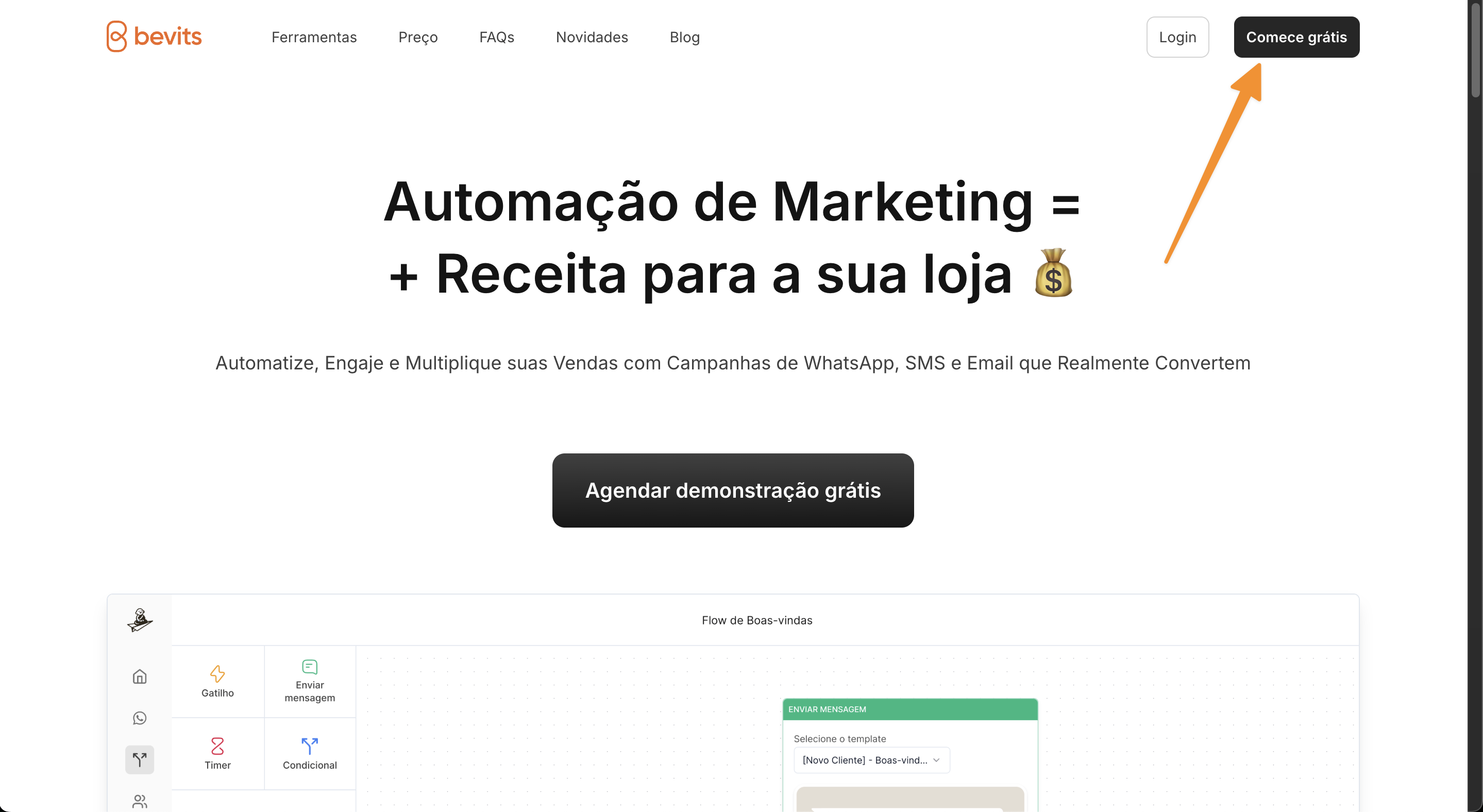
- Go to the Bevits website and create an account.
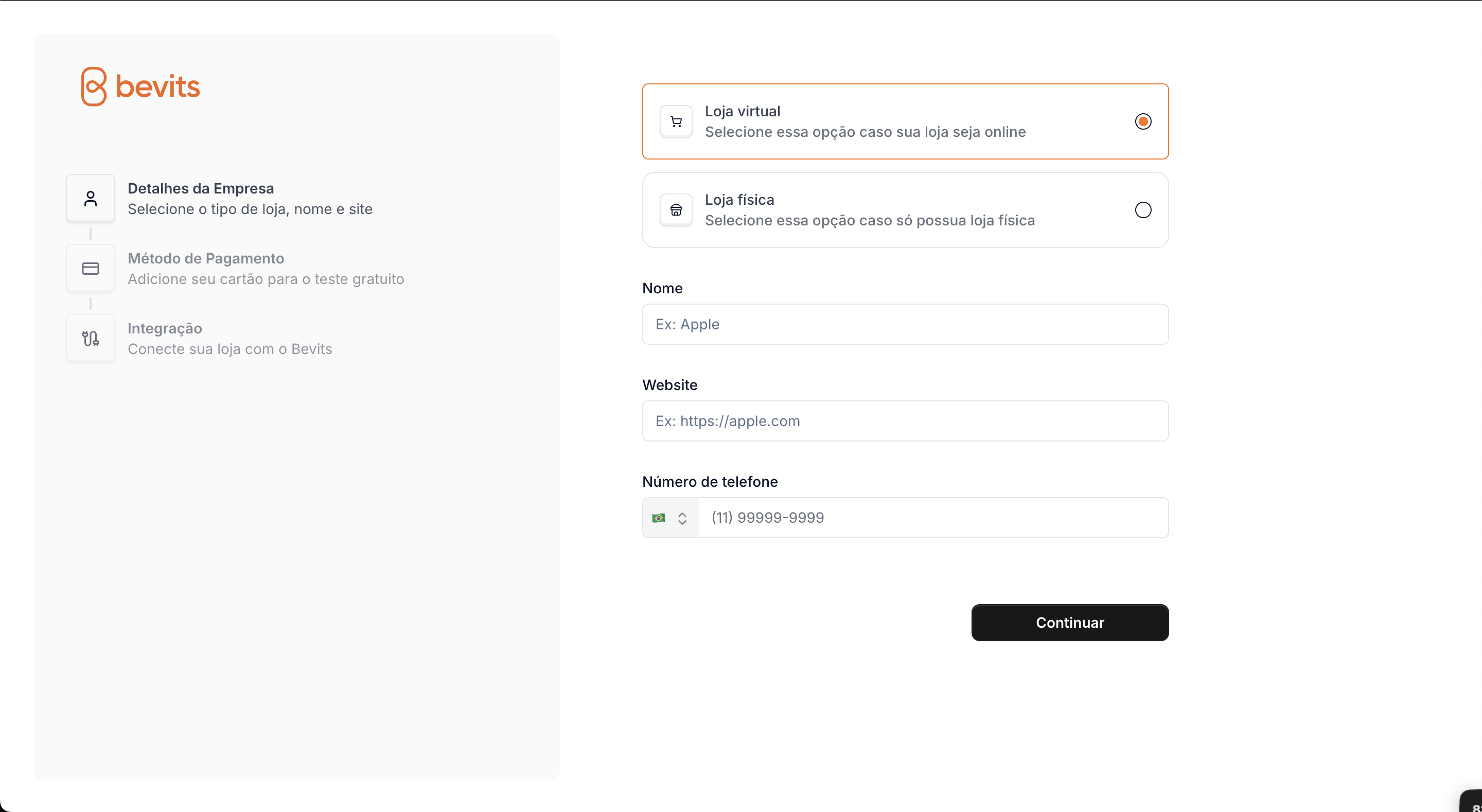
- In the first sign-up step, enter your store information.
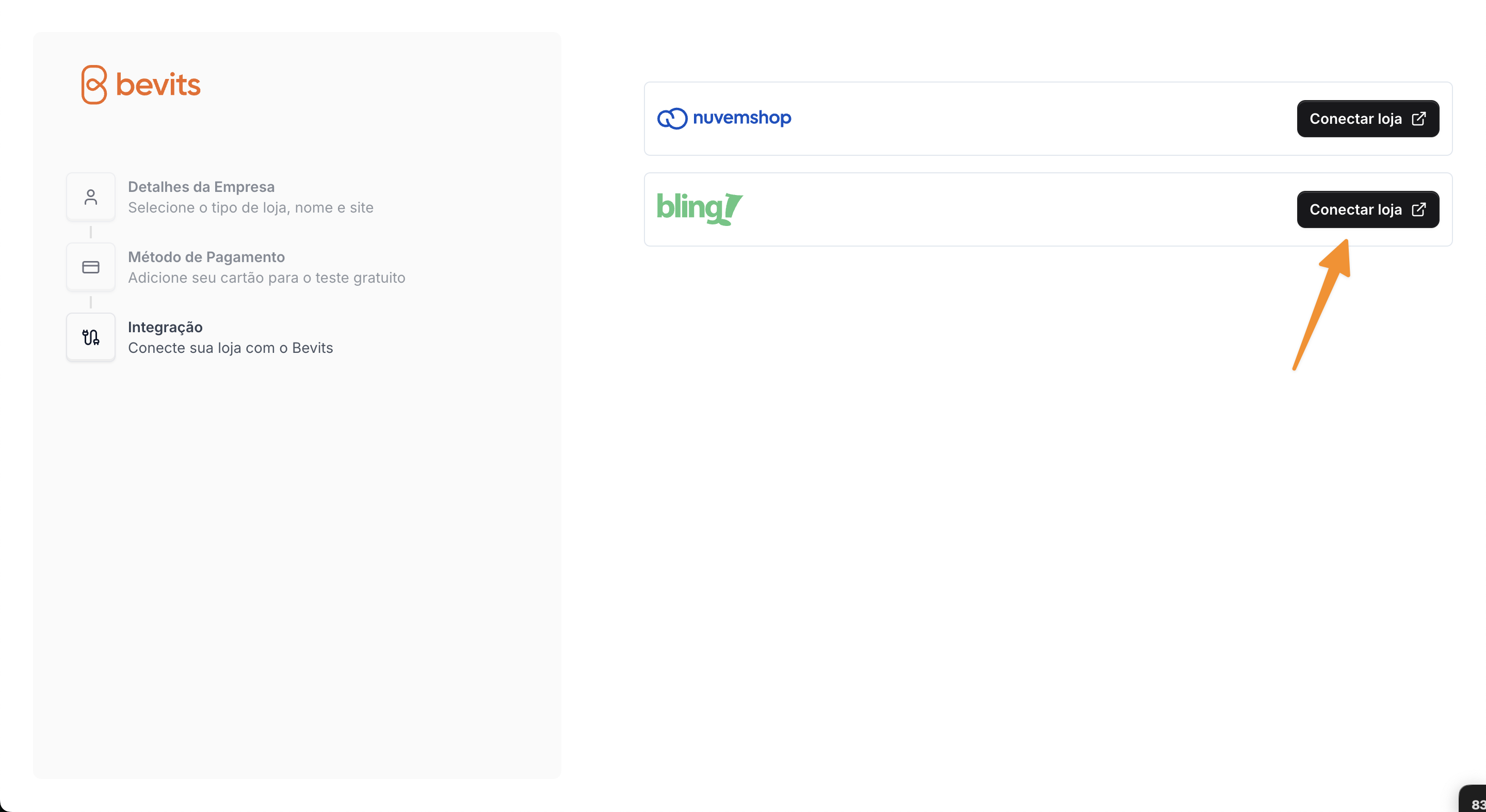
- After entering your payment details, you will be redirected to step 3, Connect your store.

- Click Connect store.
- You will be redirected to the Bling integration page. Click Authorize.
- After authorization, you will return to Bevits. Your Bling account is now connected and ready to use. Our team will contact you to help create your first automations. 🙌